
Why Is My Phone Charging Slowly? 8 Common Causes and Fixes
Why Is My Phone Charging Slowly? 8 Common Causes and Fixes usually comes down to limited power, a damaged accessory, heat, software controls, or battery wear. The fastest fix is to test a different wall adapter and cable first. Then inspect the charging port and phone temperature.
If charging stays slow, check battery health and charging settings.
Charging speed depends on the phone, adapter, cable, and power source working together. USB Power Delivery, or USB PD, is a charging standard that negotiates power between compatible devices. As of 2026, many modern phones support USB-C and USB PD, but maximum wattage still varies by model.
Let’s start with how that power reaches your battery.
Why Is My Phone Charging Slowly? 8 Common Causes and Fixes
Why Is My Phone Charging Slowly? 8 Common Causes and Fixes often involve the charger, cable, port, heat, or battery. A low-power source can make charging crawl. Damaged accessories can interrupt power.
Battery protection may also slow charging above 80 percent.
How Phone Charging Speed Actually Works
Your phone doesn’t pull the maximum wattage from every charger. The phone and charger communicate first. They agree on a safe voltage and current level.
Charging power is measured in watts. A basic calculation is voltage multiplied by current. For example, 9 volts at 2 amps provides 18 watts before efficiency losses.
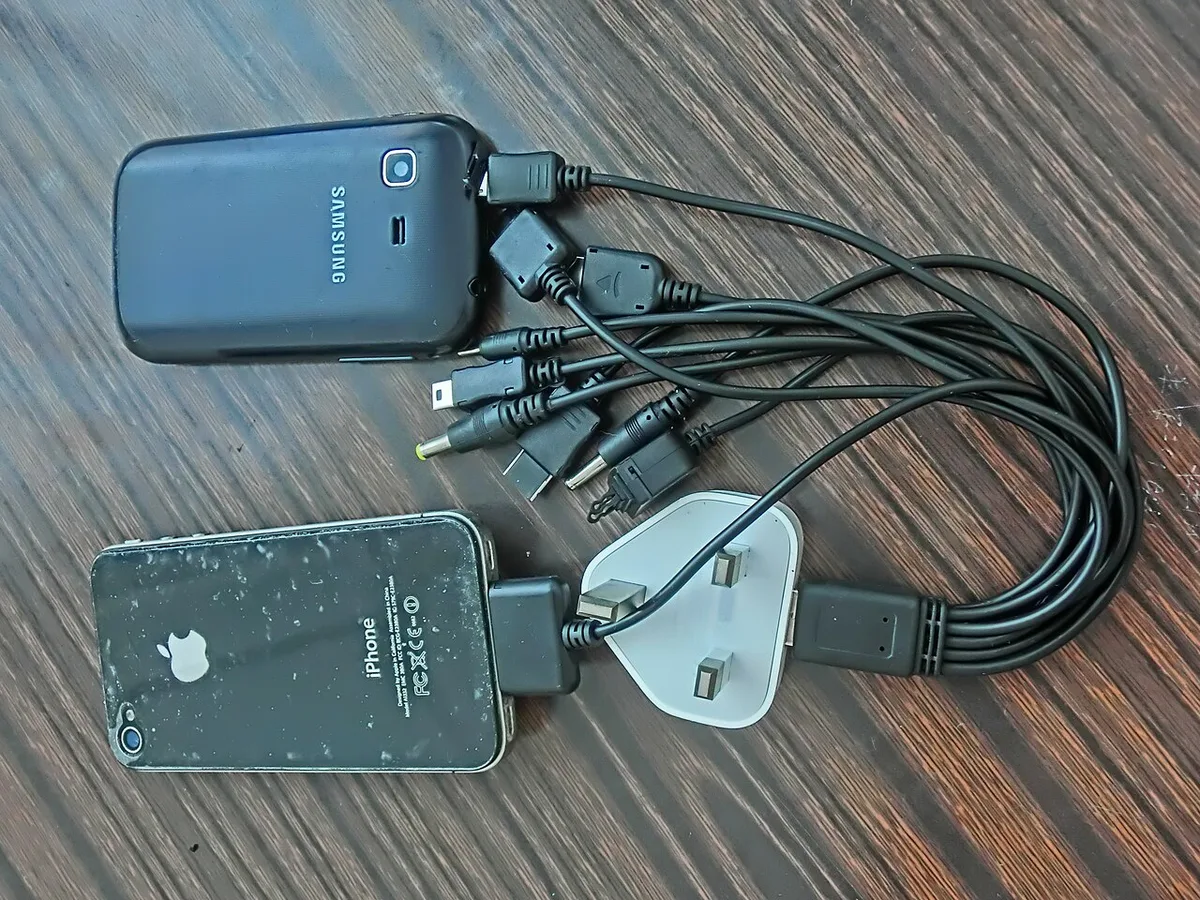
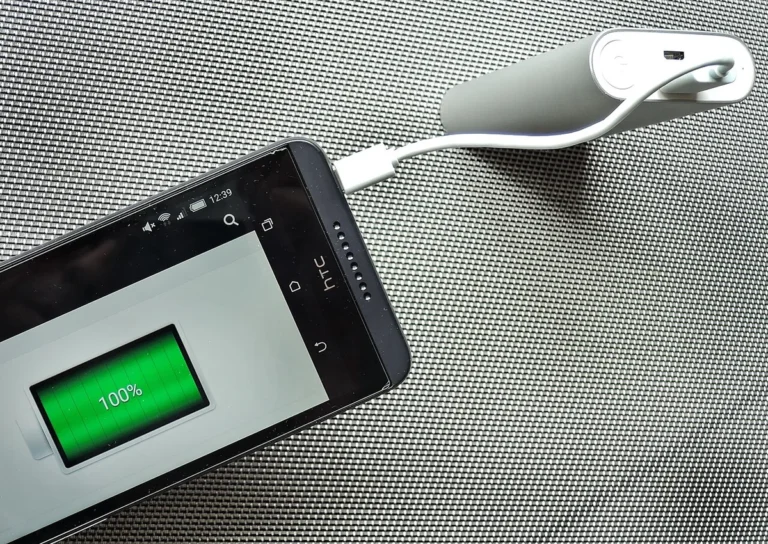
Image source: Wikimedia Commons / Huwanglaimtangms (CC BY-SA)
A charger rated at 30 watts won’t force 30 watts into a phone that accepts 18 watts. The phone controls the final charging rate. Its battery management system reduces power when the battery gets hot or nearly full.
| Charging factor | What it controls |
|---|---|
| Phone hardware | Maximum supported input power |
| Charger | Available voltage and current |
| Cable | Supported power and connection quality |
| Temperature | Safe charging speed |
| Battery percentage | Charging rate during the session |
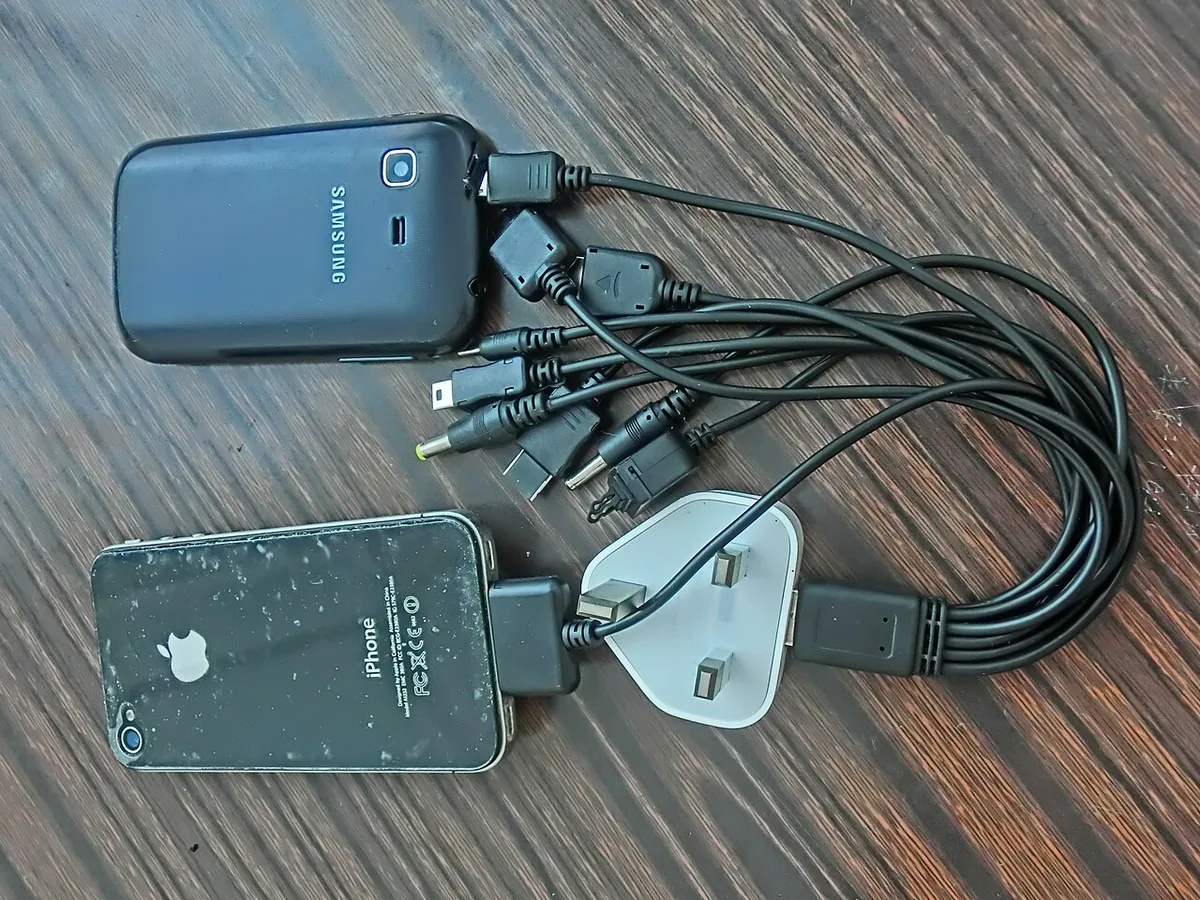
Image source: Wikimedia Commons / Huwanglaimtangms (CC BY-SA)
Wired charging is usually more efficient than wireless charging. Wireless charging loses more energy as heat and requires proper coil alignment. Thick cases, magnets, or poor placement can reduce wireless performance.
Manufacturer specifications confirm that fast charging requires compatible equipment. Check your phone maker’s official support information for its model-specific limits. If the charger, cable, and phone use different standards, charging may fall back to a slower rate.
8 Common Causes of Slow Charging and How to Fix Them
1. The Charger Doesn’t Deliver Enough Power
A low-wattage adapter is one of the most common causes. Older USB adapters may provide only 5 watts. Newer phones often need a compatible fast-charging standard for higher speeds.
Check the output printed on the adapter. If it lists 5 volts and 1 amp, its maximum output is about 5 watts. Replace it with a compatible adapter that matches your phone’s stated requirements.
2. The Charging Cable Is Damaged or Incompatible
A cable can look fine and still have broken internal wires. Charging may continue, but at a reduced rate. Loose connectors can also make charging start and stop.
Try a known-good cable with the same connector type. For USB-C fast charging, use a cable rated for the required power. Avoid forcing a loose or damaged connector into the phone.
3. The Charging Port Is Dirty, Wet, or Damaged
Pocket lint can prevent the plug from seating fully. Moisture can trigger a warning or disable wired charging. Bent contacts may cause intermittent power.
Turn the phone off before inspecting the port. Let moisture evaporate naturally. Never push metal tools into the connector, since they can damage contacts or create a short circuit.
4. You’re Charging From a Low-Power Source
Laptop ports, car USB ports, monitors, and hubs may provide less power than a wall adapter. Some older ports supply only basic charging current. A connected USB hub troubleshooting guide can help if the phone charges through a hub or dock.
Test the same phone and cable from a wall outlet. If charging improves, the original source is the problem. Power banks can also slow down when their output is limited or nearly empty.
5. Your Phone Is Too Hot or Too Cold
Temperature directly affects charging speed. Phones reduce power to protect the battery when internal heat rises. Cold conditions can also limit charging until the battery warms safely.
Remove the case during a temperature test. Stop demanding apps and keep the phone out of direct sunlight. Let it return to room temperature before charging again.
6. The Phone Is Using More Power Than It Receives
Gaming, navigation, video recording, and hotspot use can consume substantial power. If the phone uses 10 watts while receiving 5 watts, the battery may still drain.
Lock the screen and stop demanding apps. Turn off the hotspot and navigation temporarily. If the battery rises normally while idle, power use was masking the charging input.
7. Battery Protection or Fast-Charging Settings Are Limiting Speed
Many phones slow charging near 80 percent. Optimized charging features may pause or delay the final portion. This reduces the time the battery spends fully charged.
Check Battery or Battery Health settings for adaptive charging, optimized charging, or a protection limit. These features usually indicate normal operation, not a fault. Charging below 80 percent should still be reasonably consistent.
8. The Battery or Charging Hardware Is Worn Out
Lithium-ion batteries lose capacity and performance over time. A degraded battery may charge slowly, drain quickly, or show an unstable percentage. A damaged port or charging circuit can create similar symptoms.
Check the manufacturer’s battery health screen if available. Arrange authorized service if multiple cables and adapters fail. Don’t open or puncture the battery yourself.
A Step-by-Step Workflow to Find the Cause
Start with the simplest test. Plug the phone into a wall outlet using a compatible charger and a known-good cable. Turn the screen off for 15 minutes, then record the battery percentage.
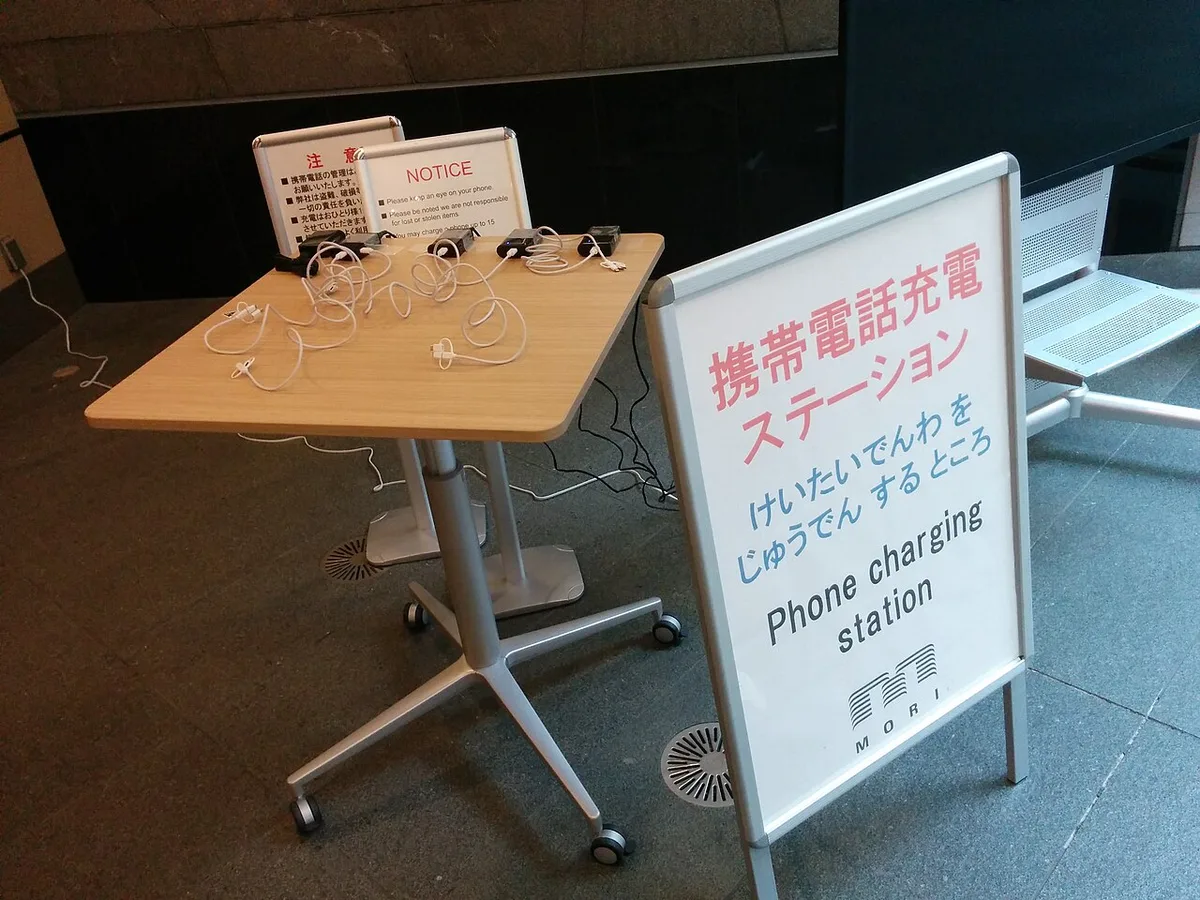
Image source: Wikimedia Commons / Syced
Use this decision path:
- If charging improves with another cable, replace the original cable.
- If another adapter fixes it, the first adapter was underpowered or faulty.
- If wall charging works but laptop charging doesn’t, the source lacks power.
- If wireless charging is slow but wired charging is normal, check alignment and case thickness.
- If charging slows only above 80 percent, review battery protection settings.
- If the phone feels hot, stop demanding apps and let it cool.
- If charging remains slow while cool and idle, inspect the port and battery health.
- If several accessories fail, contact the manufacturer or an authorized repair provider.
Clean only loose, visible debris. Don’t scrape inside the port. A moisture warning should clear naturally before you reconnect a cable.
Charging Mistakes and Safety Warnings to Avoid
Don’t assume a higher-wattage charger will damage a compatible phone. The phone controls the power it accepts. Still, use reputable accessories with the correct connector and charging standard.
Avoid these common mistakes:
- Using a frayed cable
- Charging through a weak laptop or car port
- Covering a hot phone with bedding
- Cleaning the port with a metal pin
- Charging a wet phone through a cable
- Ignoring repeated charging interruptions
- Continuing to use an unusually hot adapter
- Buying uncertified or counterfeit accessories
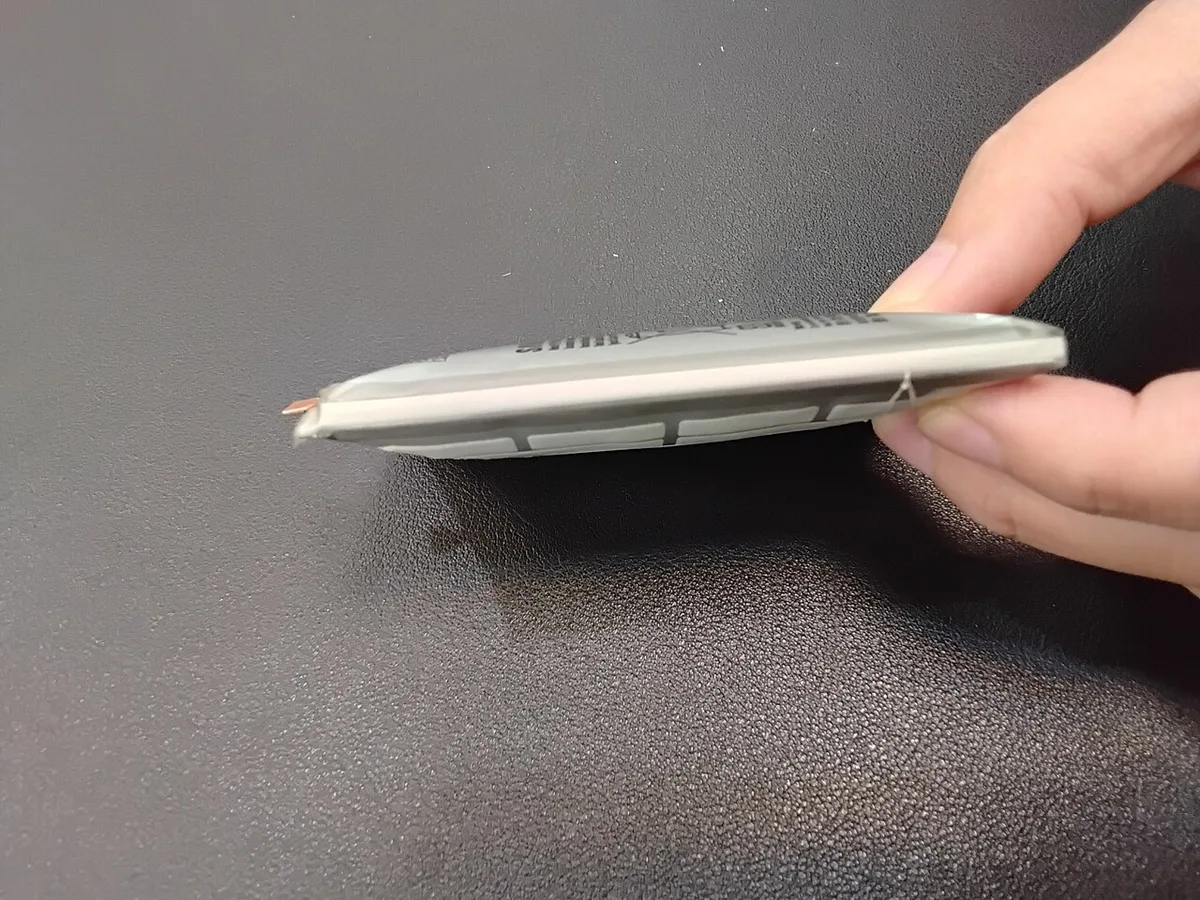
Image source: Wikimedia Commons / Saimmx
Stop using the phone if its battery swells, leaks, smells unusual, or pushes the screen away from the frame. Don’t puncture, press, or remove a swollen lithium-ion battery. Place the device somewhere cool and away from flammable materials, then contact an authorized repair provider.
For accessory safety, look for recognized certification marks and manufacturer compatibility information. The USB Implementers Forum publishes standards information for USB-C and USB Power Delivery products. If a simple cable and adapter swap doesn’t solve the problem, treat the issue as possible hardware damage rather than forcing continued charging.
When to Replace the Cable, Charger, Battery, or Phone
Replace the cable first if charging changes when you bend it, touch the connector, or use a different cable. A new cable is also sensible when the outer jacket is split, the plug feels loose, or the phone repeatedly switches between charging and not charging.
Replace the charger if another adapter restores normal speed. Choose one that supports your phone’s charging standard and required wattage. A higher-rated adapter is usually safe when the phone and charger are compatible, because the phone controls the power it accepts.
Battery replacement becomes more likely when the phone charges slowly with several known-good accessories. Look for fast drain, unexpected shutdowns, heat during light use, or a battery health reading near the manufacturer’s service threshold.
| Symptom | Most likely action |
|---|---|
| Speed changes with cable movement | Replace the cable |
| Works with another adapter | Replace the charger |
| Slow with every accessory | Check the port or battery |
| Battery drains quickly and overheats | Arrange battery service |
| Screen lifts or battery bulges | Stop using the phone immediately |
A phone replacement should be the last step, not the first. Consider it when repair costs approach the device’s value, security updates have ended, or the charging port and battery both need service.
Frequently Asked Questions
Why is my phone charging slowly even with a new charger?
The cable, charging port, temperature, or battery may be limiting speed. Confirm that the new adapter supports your phone’s charging standard. Then test a different cable and wall outlet.
If the phone remains slow while cool and idle, check battery health and inspect the port for damage.
Why does my phone charge slowly after 80 percent?
Charging usually slows after 80 percent to reduce heat and battery stress. Optimized charging, adaptive charging, or a battery protection limit may also pause the final portion. If charging is normal below 80 percent, this behavior is usually a protection feature rather than a fault.
Can a dirty charging port make charging slow?
Yes, lint and dust can stop the plug from seating fully. That weak connection may reduce charging speed or cause intermittent charging. Turn the phone off, inspect the port under good lighting, and remove loose debris carefully.
Never insert a metal pin or force the connector.
Should I replace my phone if it charges slowly?
No, not immediately. Test a different compatible cable, wall adapter, and outlet first. If every combination remains slow, check the port and battery health.
Authorized repair makes sense when the battery is degraded or the port is damaged. Replace the phone only when repair is impractical or unsupported.
3 Comments